














It’s no secret that data is essential for powering effective fundraising and operational decisions at nonprofits like yours, but visualizing that data in a unified place boosts your efforts even further. This is where nonprofit dashboards come in, as they instantly communicate a variety of mission-critical information for your entire organization to reference and draw accurate conclusions from.
In this guide, we’ll cover the basics of nonprofit dashboards by answering the following questions:

- What is a nonprofit dashboard?
- Why are nonprofit dashboards useful?
- What types of dashboards can my nonprofit create?
- What metrics are best to track through dashboards?
- What tools are helpful for creating nonprofit dashboards?

What is a nonprofit dashboard?
A nonprofit dashboard is a technology tool that presents multiple types of critical data on one screen through visuals like graphs, pie charts, and other pictorial representations. Although many nonprofit dashboards illustrate funding and donor engagement information within fundraising platforms, they’re also useful for other purposes, such as financial analysis, volunteer management, and operational efficiency. Each of your nonprofit’s dashboards will look different, as they should be tailored to a specific purpose and your current situation. However, here is an example of what a high-level fundraising dashboard might look like to inspire you:
Why are nonprofit dashboards useful?
Nonprofit dashboards overcome the limitations of short-term memory by showing your leadership and your team a variety of relevant information at a glance. Successful fundraising strategies rely on large amounts of data to find and maximize opportunities. Dashboards display real-time data that allows your organization to track progress toward goals and make action plan adjustments promptly. Since dashboards are technology-controlled and interactive, they’re also easy to update in real time for fresh insights and to help different team members zoom in on the data they most want to understand. For example, your organization’s leadership might prefer a high-level view of fundraising progress, while dedicated fundraisers may want deeper insights into solicitation success rates for a specific supporter segment, and a dashboard can provide both at once.What types of dashboards can my nonprofit create?
Your nonprofit can create a dashboard of essentially any type of data that would be helpful to visualize. Some of the most common kinds of dashboards include:- Fundraising dashboards: These tools can track your nonprofit’s overall fundraising progress or be tailored to different aspects of your strategy, such as individual campaigns or events, programs like legacy or recurring giving, annual fundraising, major gift solicitation, or other initiatives.
- Engagement dashboards: These are related to fundraising dashboards but monitor participation in different revenue-generating initiatives, other types of involvement (like volunteering and advocacy), solicitation success, and similar data.
- Impact dashboards: These show direct ways in which your nonprofit is furthering its mission, such as program participation numbers, total beneficiaries served, and different types of improvements that are a result of your community efforts.
- Financial dashboards: These break down different aspects of your financial data, including cash flow, budget vs. actual comparisons, investment returns, and reserve fund progress, into easily digestible views.
- Operational dashboards: These can cover nearly any other area of the way your nonprofit runs day-to-day, ranging from project management to compliance to technology efficiency gains.
POLL: What Types of Dashboards Has Your Nonprofit Created?
Please check all that apply.
Need help surfacing accurate fundraising and engagement dashboard data?
Demo DonorSearch by EverTrueWhat metrics are best to track through dashboards?
Naturally, the metrics you track through a dashboard will depend on its type and focus. Since fundraising dashboards are the broadest category, here are some common analytics they include to help you narrow down your options: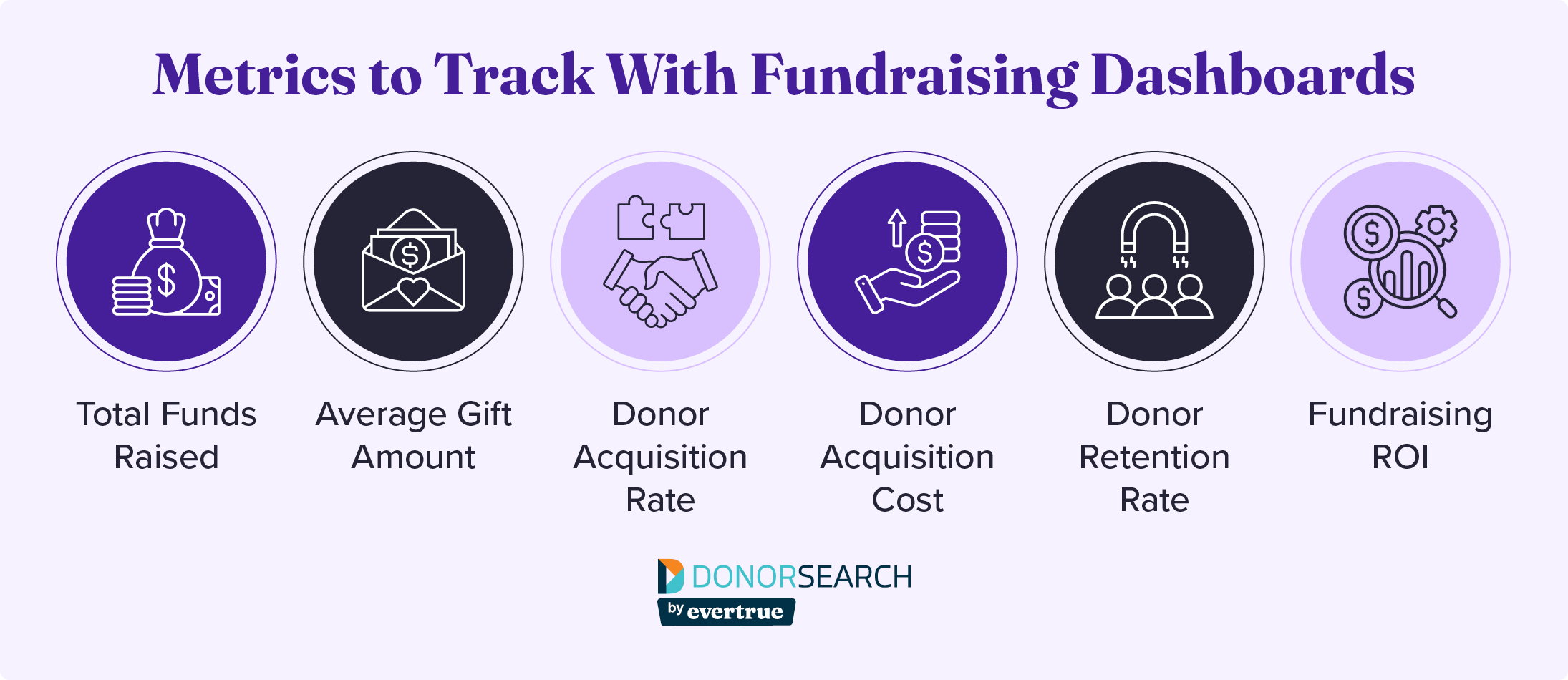
- Total funds raised: How much did your nonprofit bring in through its fundraising efforts during a given period?
- Average gift amount: How large is your average individual contribution?
- Donor acquisition rate: How many donors gave for the first time during a specified period?
- Donor acquisition cost: How much do you typically spend to acquire one new donor?
- Donor retention rate: How many donors who contributed during one time period or campaign gave again during the following comparable period?
- Fundraising return on investment (ROI): How efficient are your fundraising efforts based on the comparison of the amount you brought in vs. the amount you spent up front?
What tools are helpful for creating nonprofit dashboards?
Many organizations start by creating dashboards in spreadsheets, although their capabilities are limited because they require manual data entry. Once your nonprofit adopts more specialized software, you might create dashboards in your:- Donor management system
- Volunteer platform
- Event planning tools
- Accounting software
- Marketing solutions
- AI fundraising tools
Final Thoughts
By following the tips in this guide and leveraging the right tools, your nonprofit can create dashboards that support all of its efforts across fundraising, programs, and operations. Just remember to treat your dashboards as tools for action—after all, data is only useful to your organization if you apply it to your strategies! For more information on nonprofit technology, check out these resources:- AI Fundraising: Mastering the Future of the Fundraising Landscape. Discover how artificial intelligence can enhance your nonprofit’s dashboard creation and application.
- Endowment Management: Your Nonprofit’s Complete Guide. Explore an area of nonprofit revenue generation that especially benefits from dashboarding: endowments.
- 7 Donor Outreach Strategies that Lead to Real Support. Dive deeper into ideas for connecting with donors that you can track the success of with engagement dashboards.